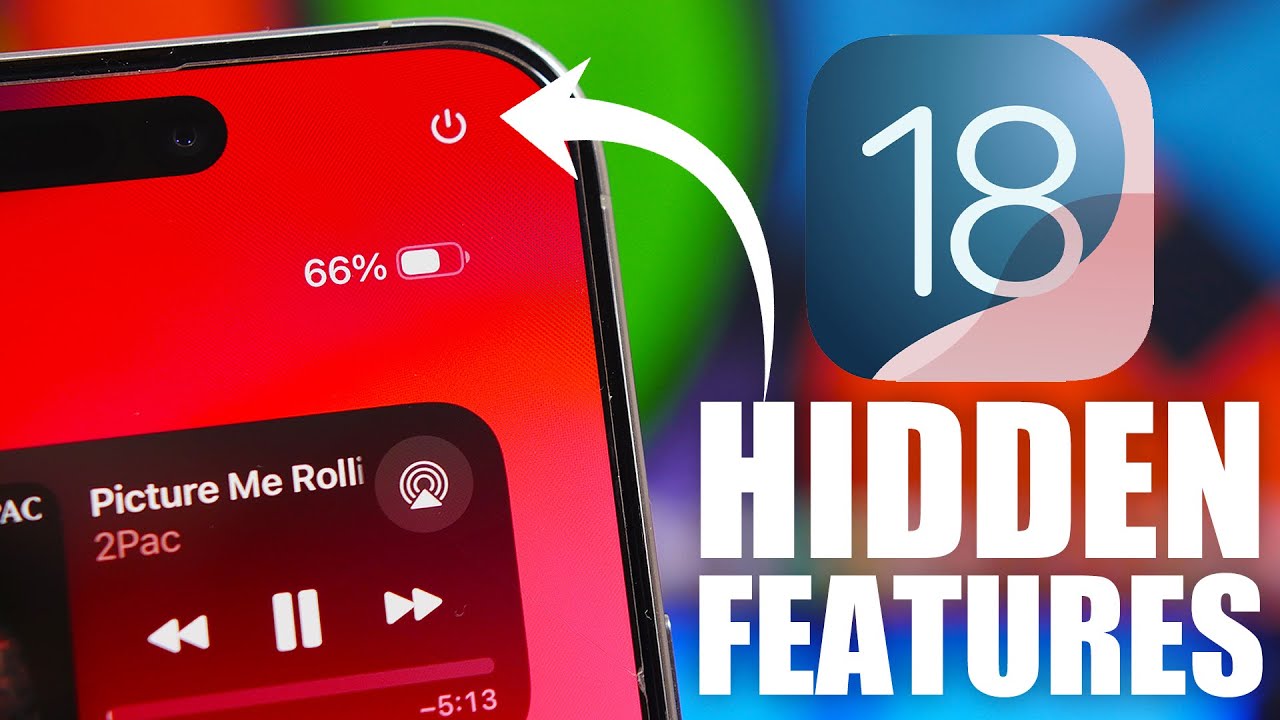
While Apple’s annual keynote event unveiled a plethora of exciting features in iOS 18, there are several lesser-known updates that didn’t make it to the main stage. Here are nine hidden gems in iOS 18 that Apple didn’t mention but are sure to enhance your iPhone experience.
- Enhanced Battery Health Management
iOS 18 includes a more advanced battery health management system that extends battery life by optimizing charging patterns. This feature learns from your daily charging habits and ensures your iPhone is charged to 100% just before you need it.
- Offline Siri Enhancements
With iOS 18, Siri gets a significant upgrade in offline capabilities. You can now ask Siri to perform a wider range of tasks without an internet connection, including setting timers, changing settings, and playing locally stored music.
- Advanced Privacy Reports
Building on its privacy-focused approach, iOS 18 introduces detailed privacy reports in the Settings app. Users can see which apps have accessed sensitive information like location, microphone, and camera over the past seven days.
- Customizable App Icons
iOS 18 allows users to customize app icons without needing a third-party app or a shortcut workaround. This feature provides a variety of icon shapes and colors to choose from, giving your home screen a more personalized look.
- Improved AR Experiences
The ARKit in iOS 18 has been upgraded with enhanced motion capture and real-time reflections. This improvement offers more immersive augmented reality experiences, making virtual objects interact more realistically with the real world.
- Hidden Photo Albums Lock
Your hidden photo albums are now more secure. iOS 18 lets you lock these albums with Face ID or Touch ID, ensuring that your private photos and videos are accessible only to you.
- Background Voice Isolation
A new background voice isolation feature enhances call quality by minimizing ambient noise and focusing on the speaker’s voice. This makes conversations clearer, especially in noisy environments.
- Quick Notes Widget
The new Quick Notes widget allows you to jot down ideas and notes directly from your home screen. This widget integrates with the Notes app, making it easier to capture thoughts on the fly without opening the app.
- Interactive Home Screen Widgets
Widgets in iOS 18 are more interactive, allowing users to perform actions directly from the widget itself. For example, you can now check off tasks in a to-do list widget or control music playback without opening the respective apps.

These under-the-radar features demonstrate Apple’s commitment to enhancing user experience through continuous innovation. As users begin to explore iOS 18, these subtle yet impactful changes are likely to become some of their favorite updates. Keep an eye out for these features as you navigate through your updated iPhone!